How to redeem - Connect Wallet
Dear Uva Vault Community,

If you need assistance redeeming your items, follow the steps below. If you don't use Metamask, follow along with the Email Login action. NOTE: use the same email address you used to make your purchase early last year.

Email Login
  1. Go to the Uva Vault Login page
  2. Select "Uva Wallet"
  3. Choose either "Continue with Google" or "Email," depending on your purchase method.
  4. Check your email inbox for the code, enter it into the wallet connect.
  5. You should see your items listed.

How to Log into UVA Value Cellar 👩‍💻 with Email or Google - Watch Video

Watch Video
Metamask Login (Chrome Extension)
  1. Refresh your browser cache
  2. Go to the Uva Vault Login page
  3. Select "Uva Wallet" or "Metamask", it works both ways
  4. Sign everything.
  5. if you have trouble try refreshing cache on pages that give you problems.

Logging in to UVA Vault with MetaMask! 🔒 - Watch Video

Shipping Options and Checkout
  1. Select the tokens you wish to redeem. They should highlight Pink.
  2. Select "Ship" at the bottom of the page.
  3. On the checkout screen select the shipping type.
  4. Checkout using one of the options provided.
  5. Check your inbox for a confirmation. (also spam folder)

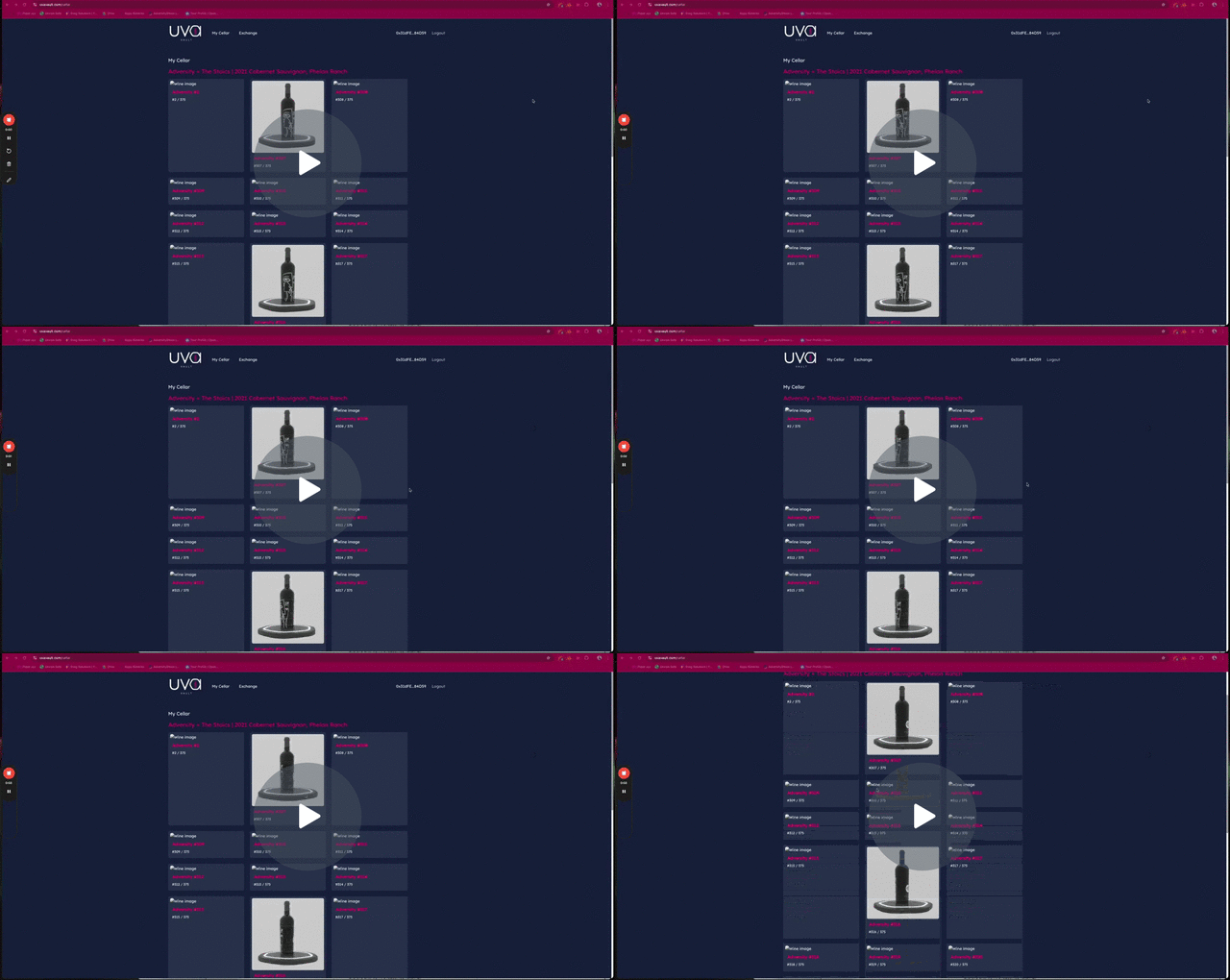
Shipping Process Tutorial - Watch Video

All right reserved Copyright © 2024 Uva Vault
To change how we communicate with you,
or click to be removed from all.